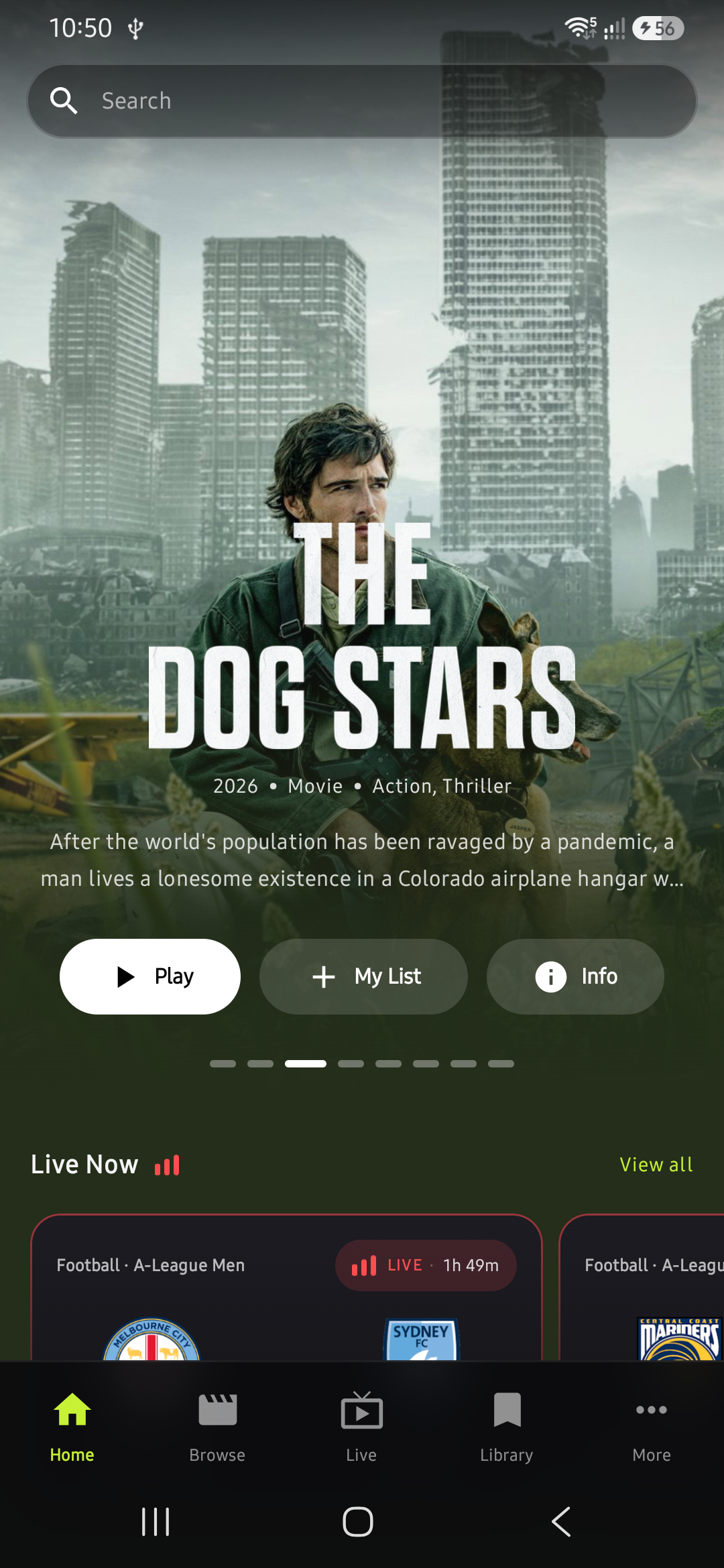
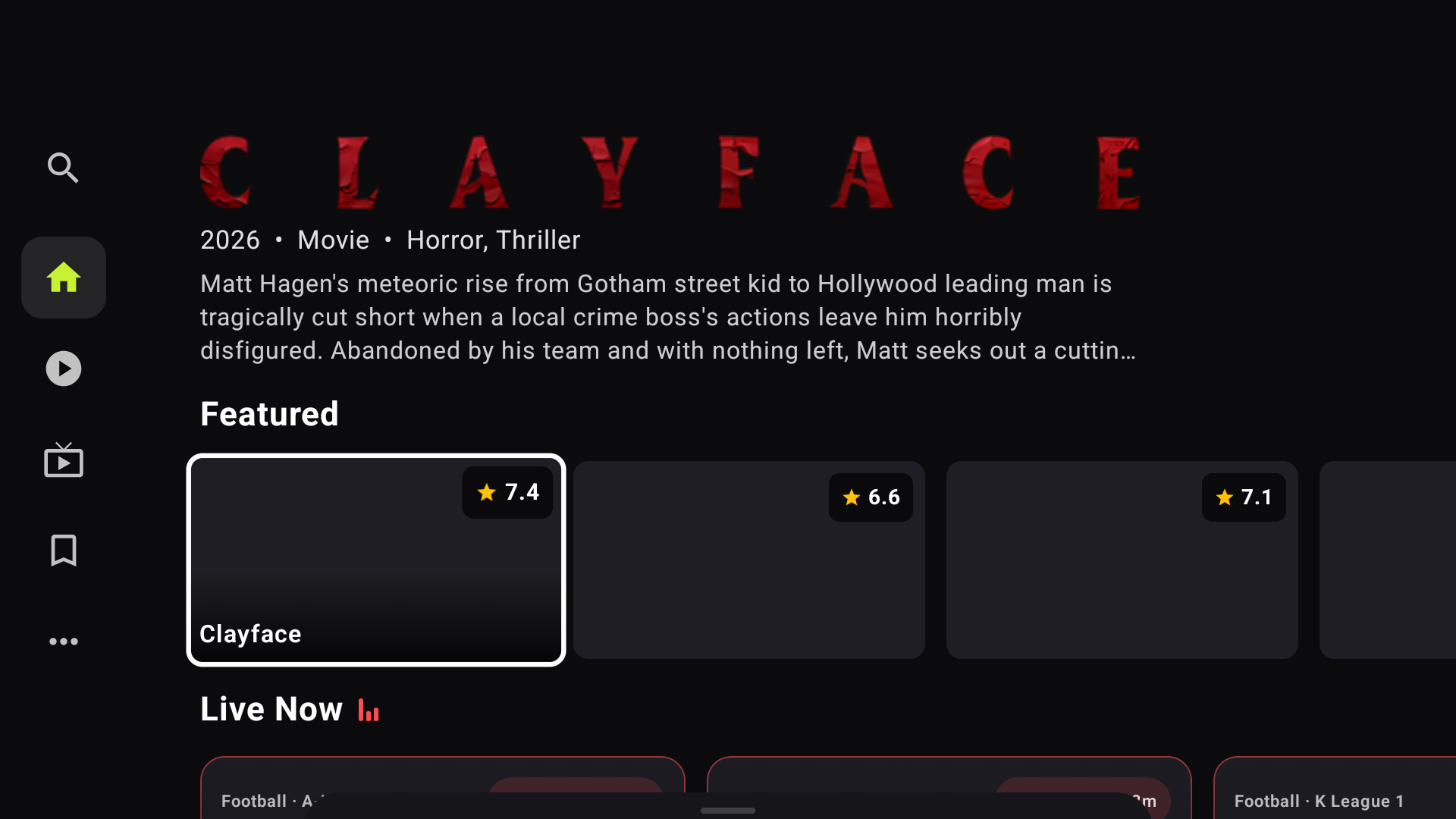
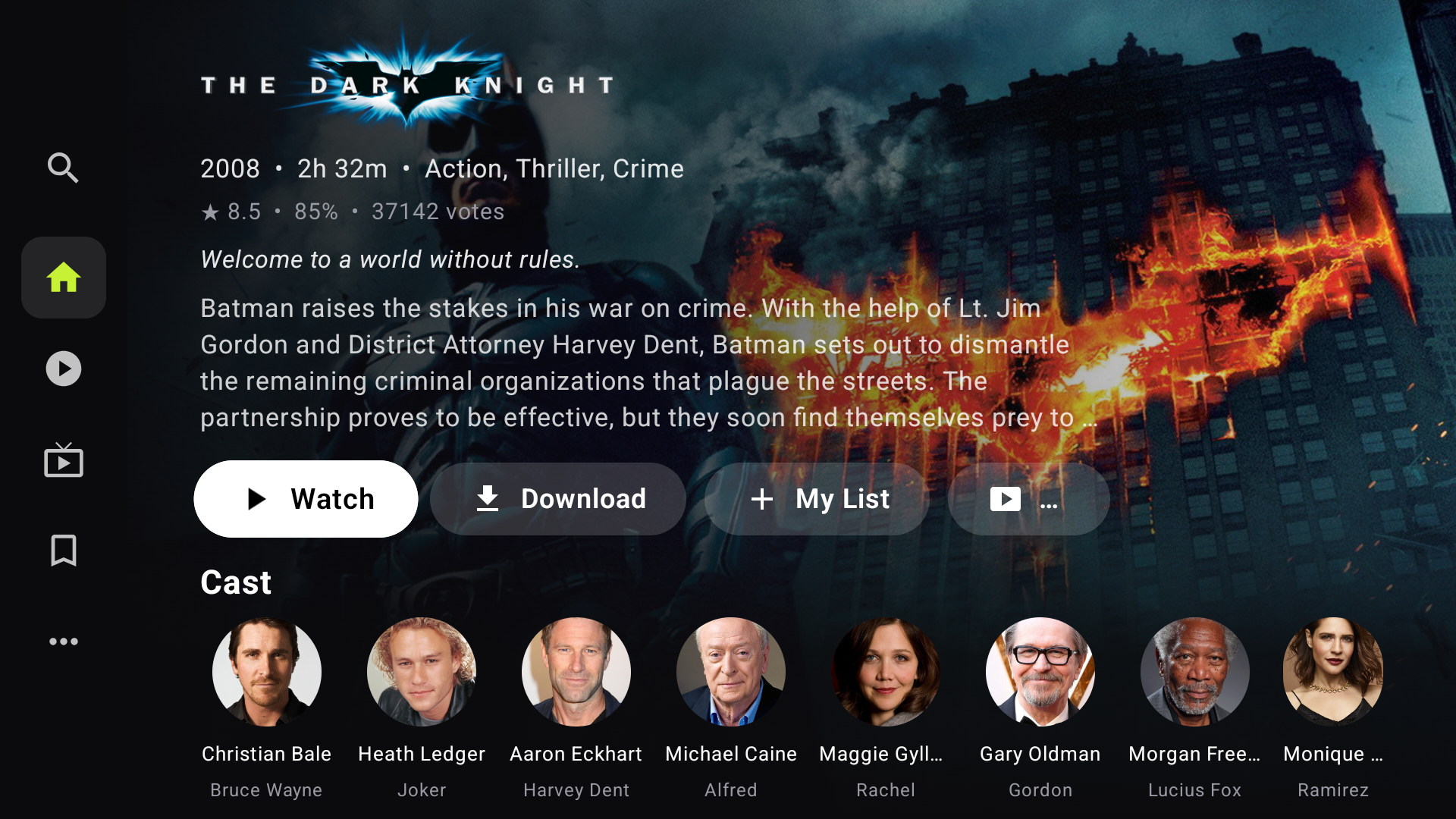
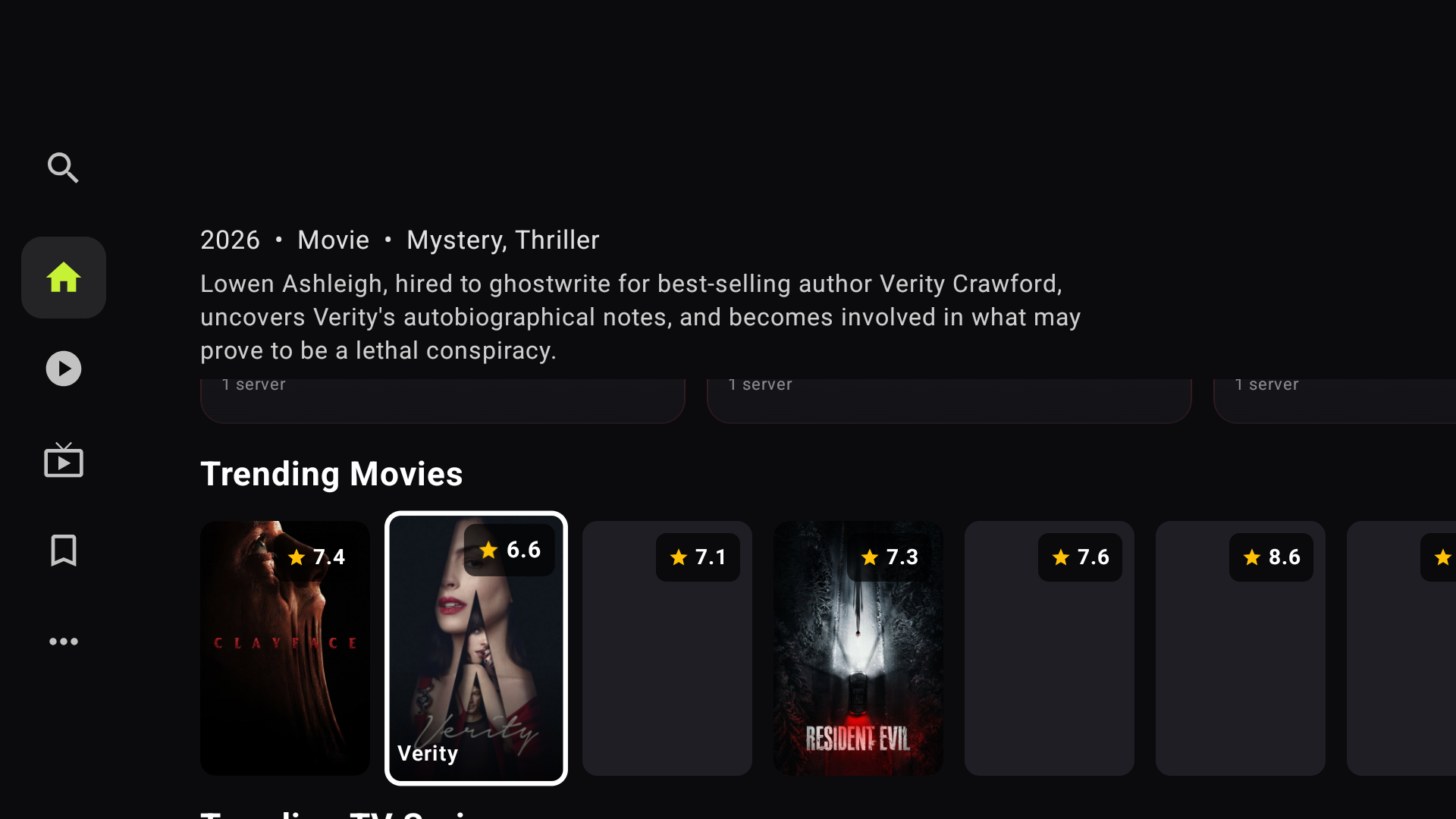
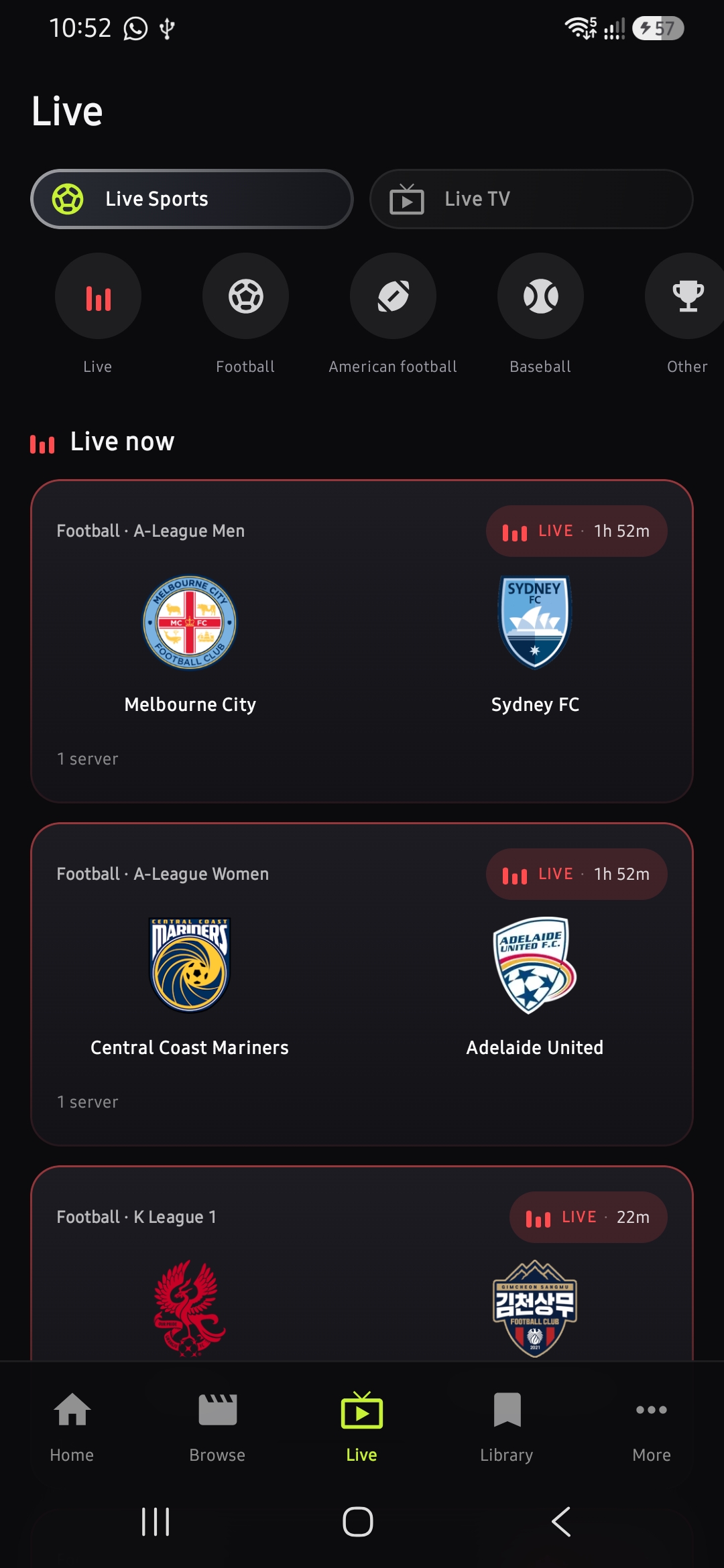
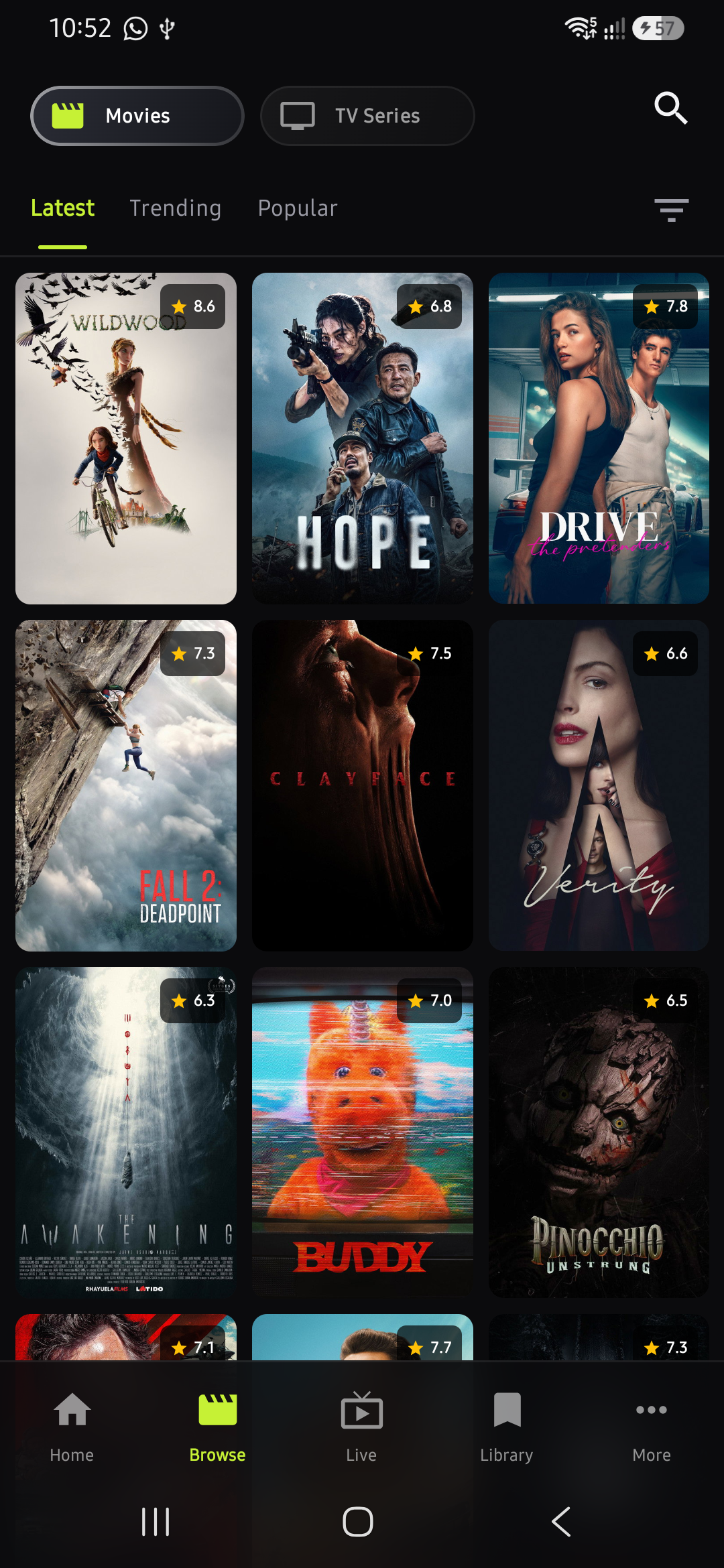
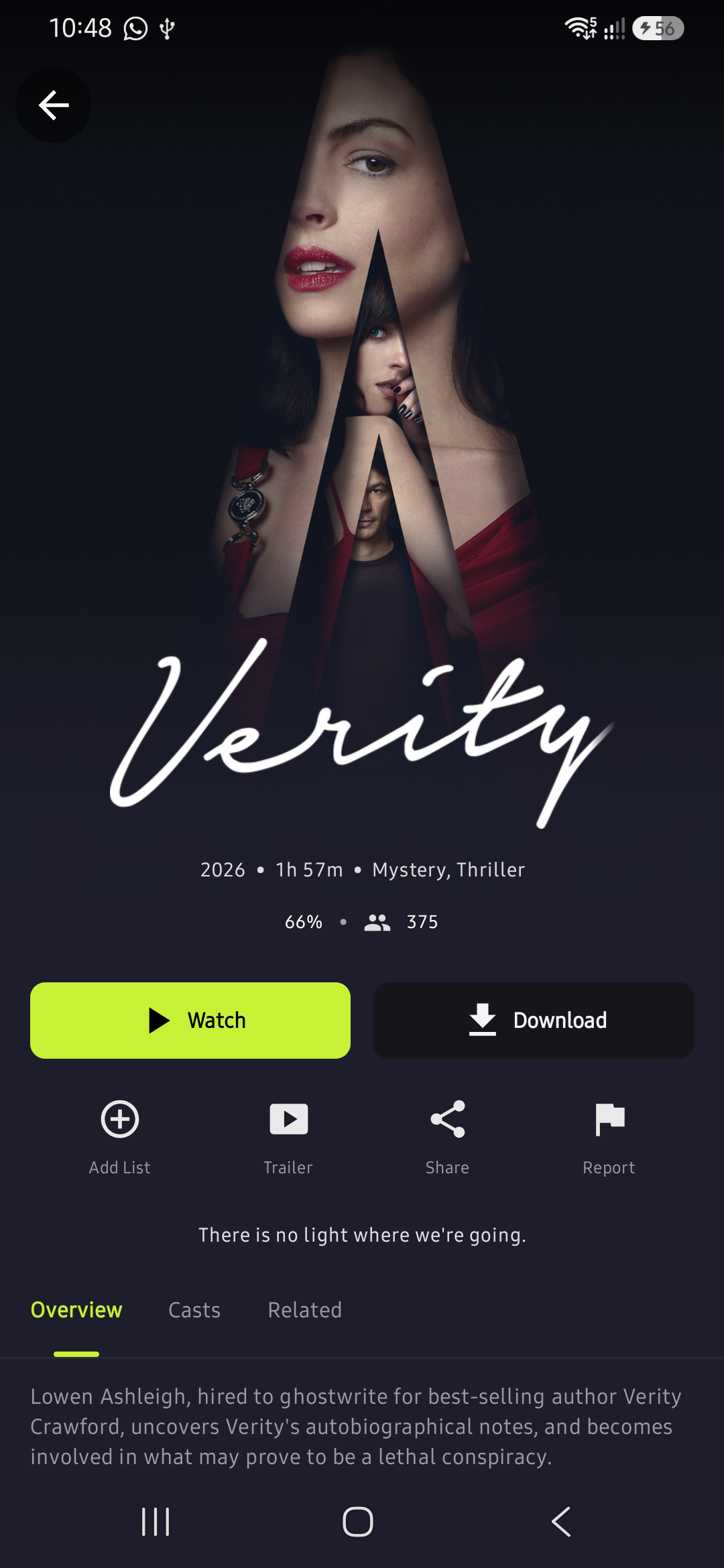
Movies, TV series, and live football — all in one free app. Works on your Android phone and TV.
Qrstream is an APK — not on the Play Store. Follow these steps to install it on your Android phone.
Tap the green Download APK button on this page. The file will save to your Downloads folder.
Open Settings → Security (or Install unknown apps) and enable installs from your browser or file manager.
Tap the downloaded qrstream.apk file from your notification bar or open it from your Downloads folder.
Hit Install when prompted, then tap Open — you are ready to stream!
If you see a warning from Google Play Protect, tap Install anyway — the app is safe.
Use the free Downloader app to sideload Qrstream onto any Android TV, Fire Stick, or Fire Cube.
Search for Downloader in your TV app store, install it, then follow these steps:
The same full experience — movies, series, and live sports — optimised for Android TV with D-pad navigation and a cinema-style layout.
Football, American football, baseball, and more — streamed live in real time. Filter by sport and jump into any match happening right now.
Thousands of titles with TMDB ratings. Filter by trending, popular, or latest. Switch between movies and series with a single tap.
Save any movie with one tap and watch without internet. Built-in player with HLS, DASH, and subtitle support — no extra app needed.
Get new releases, updates, tips, and support — all in one place. Join thousands of Qrstream users on Telegram.
Join @nodescore on TelegramUpdates, releases, and support • Free to join
No account. No subscription. Just install and watch.