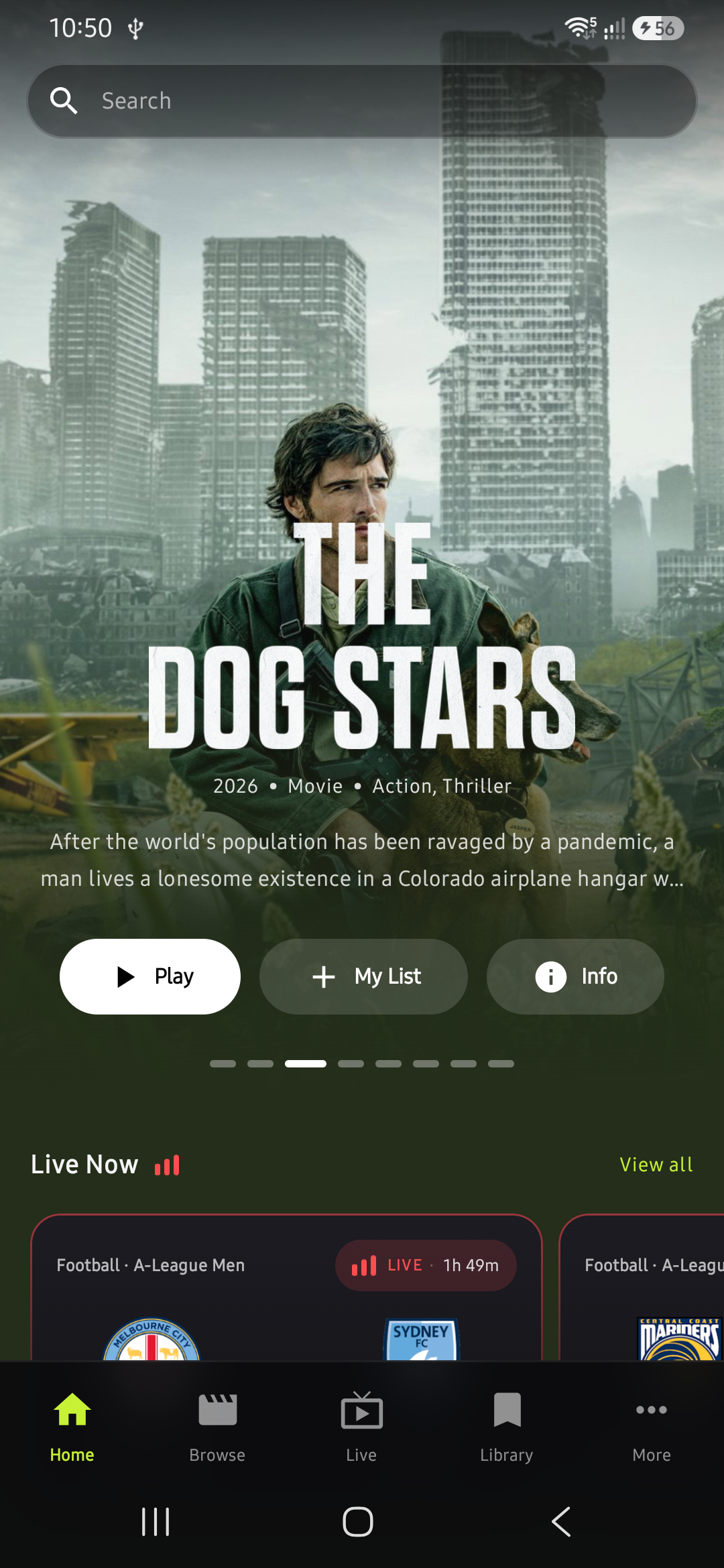
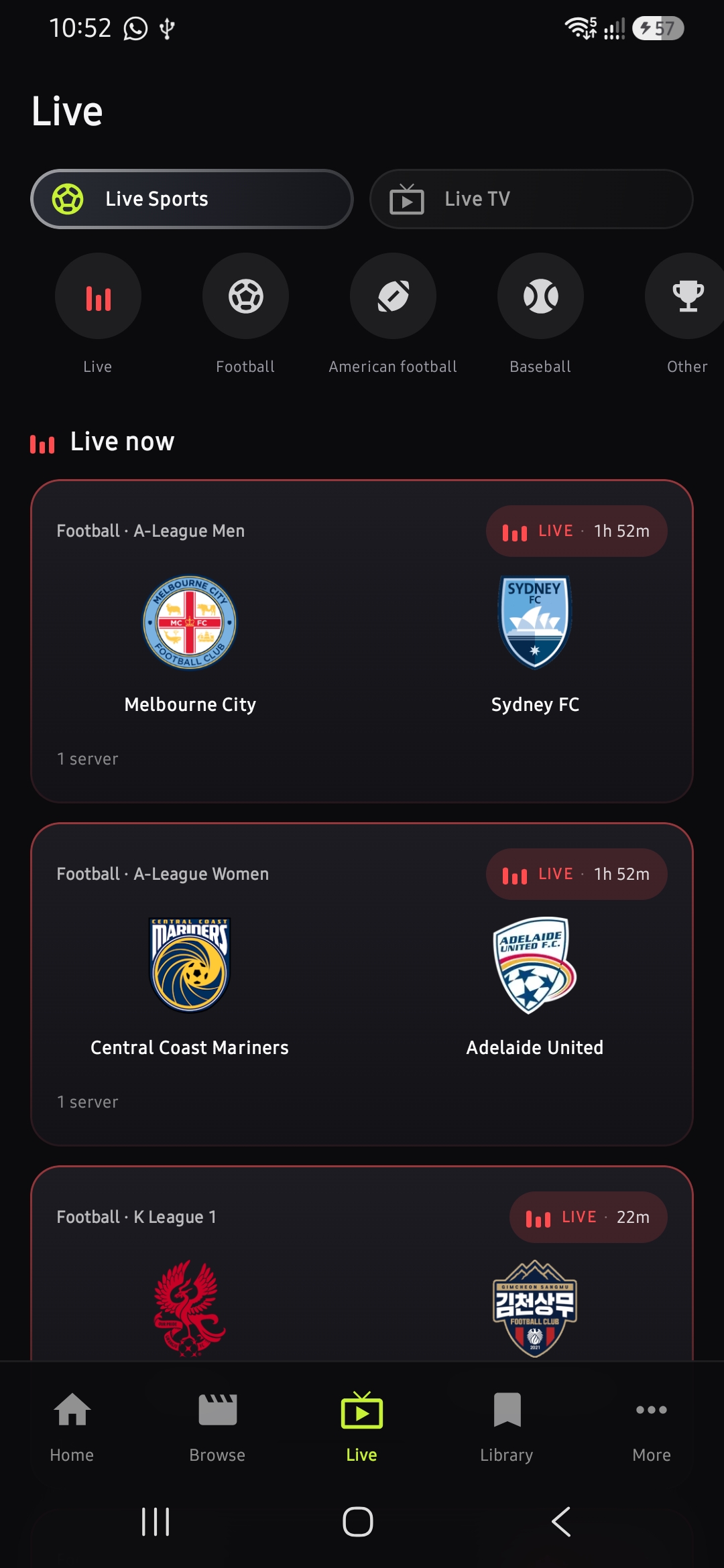
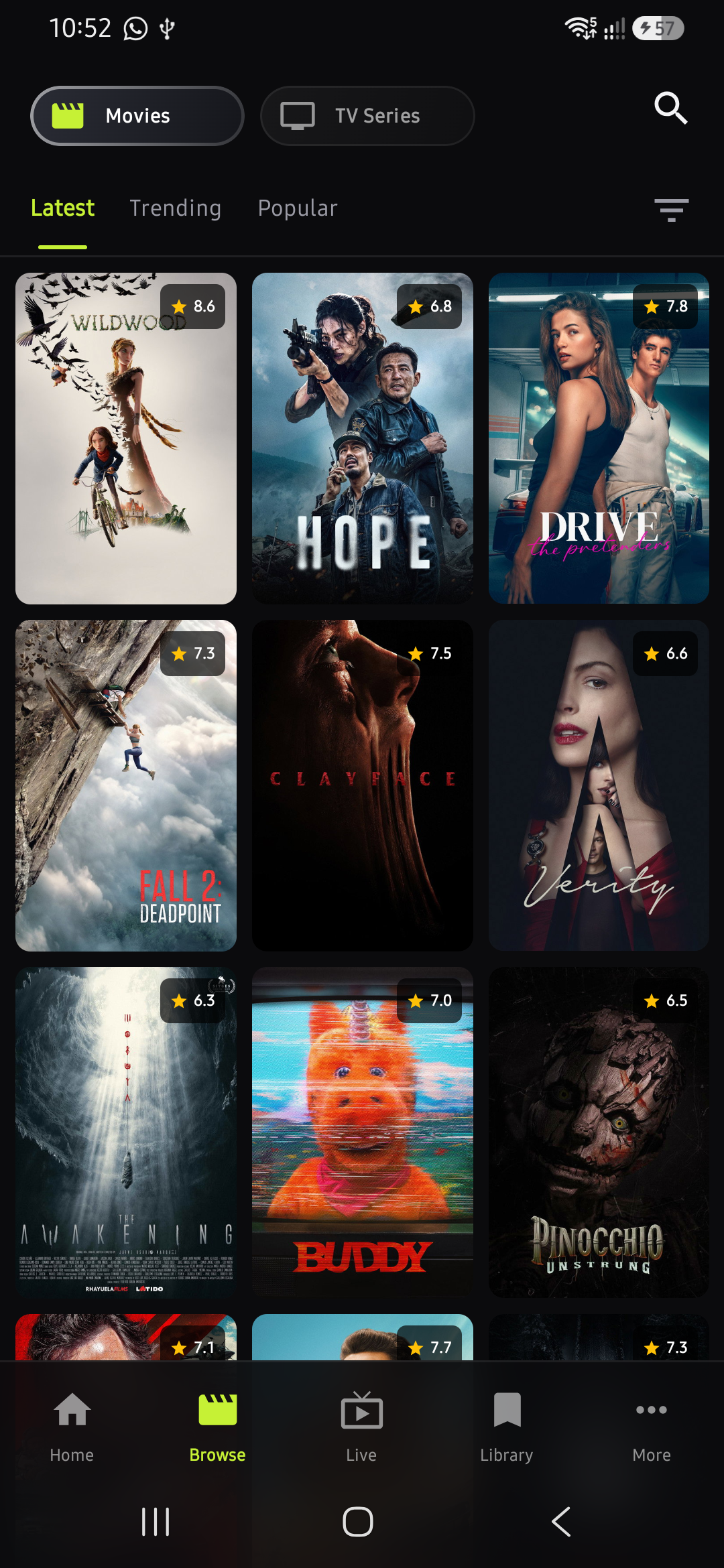
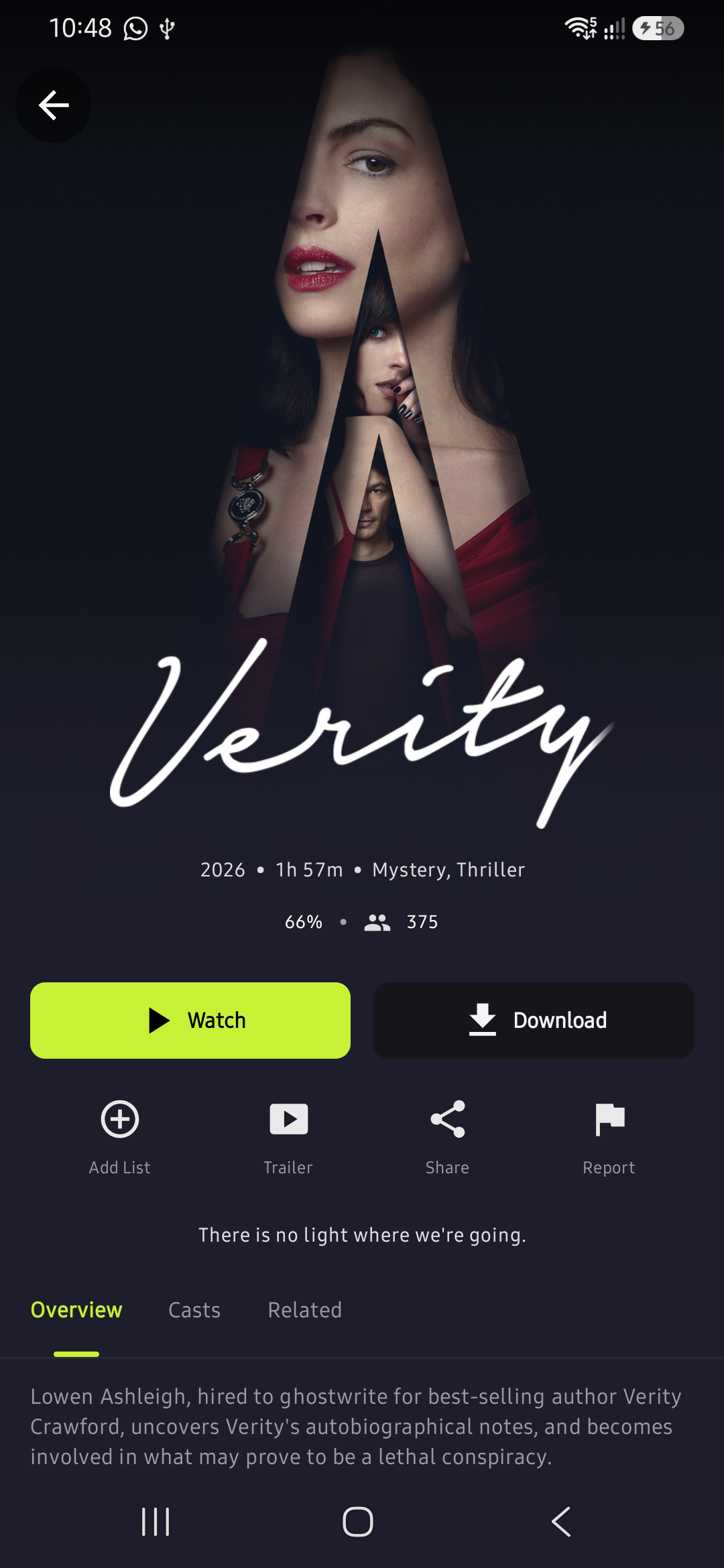
Stream live sports, movies, and TV shows on your phone or Android TV. No subscription, no account needed.
Features
A full entertainment hub packed into one lightweight app.
Watch football, basketball, MMA, and more live as they happen. Never miss a match again.
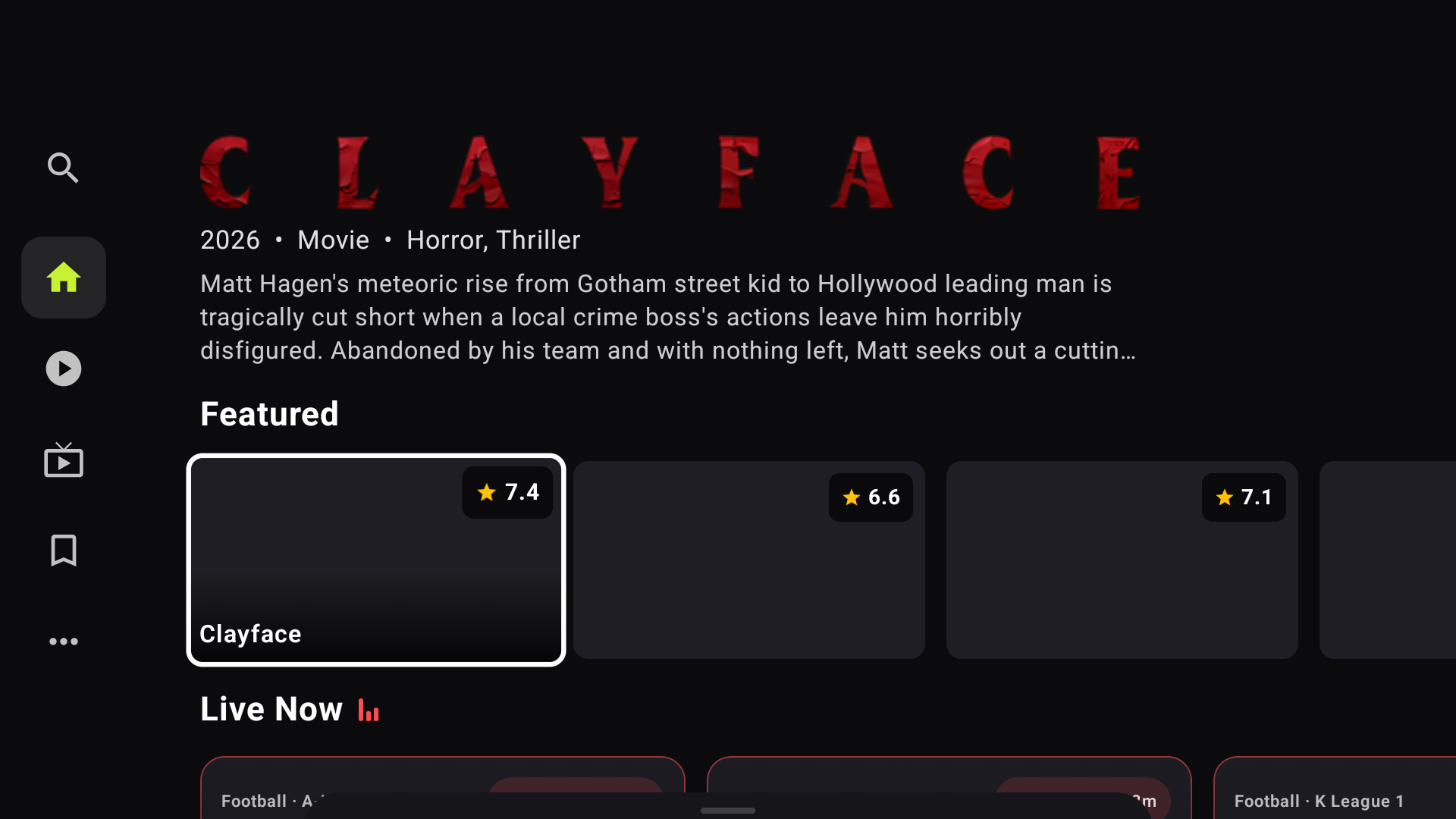
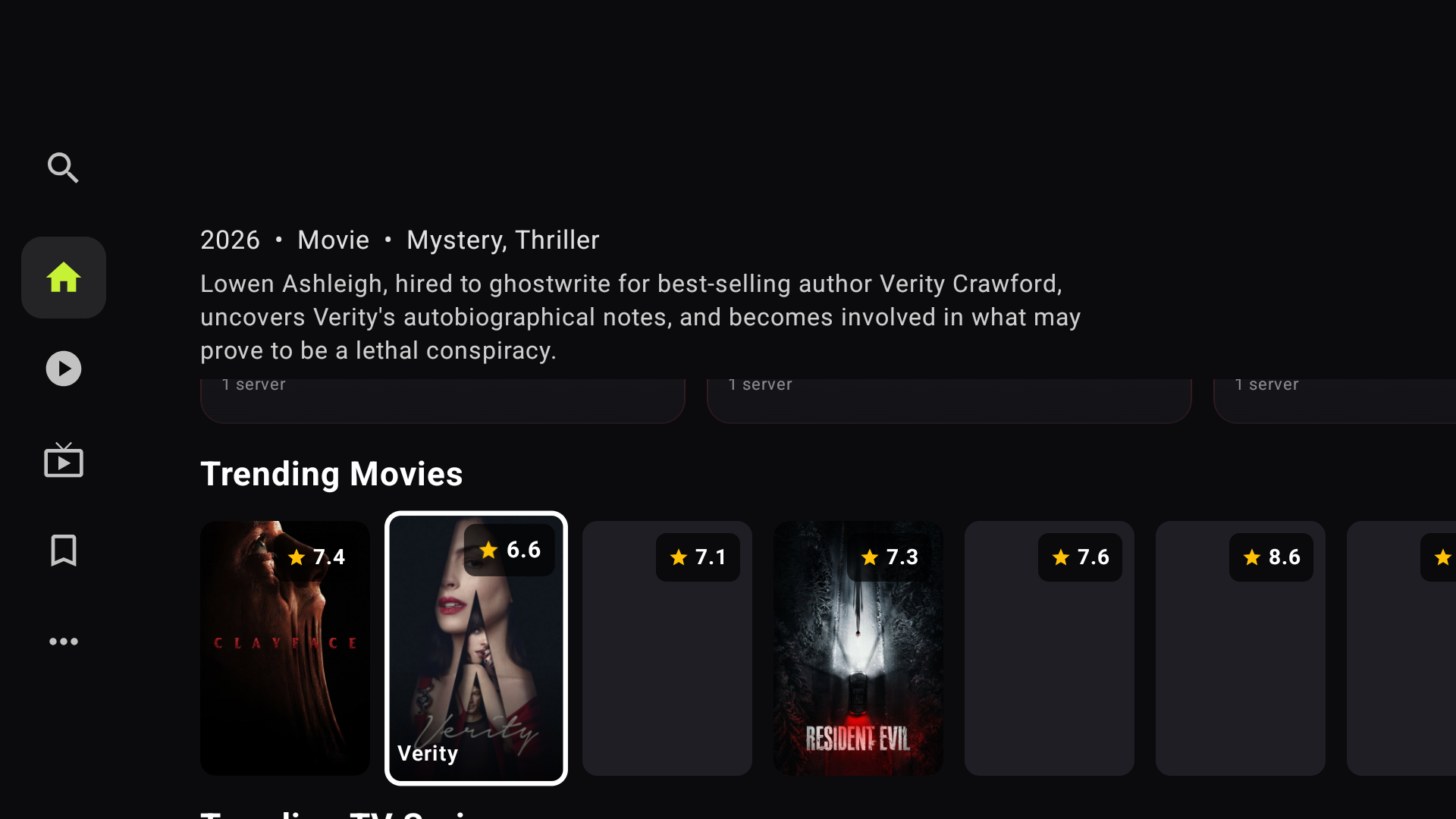
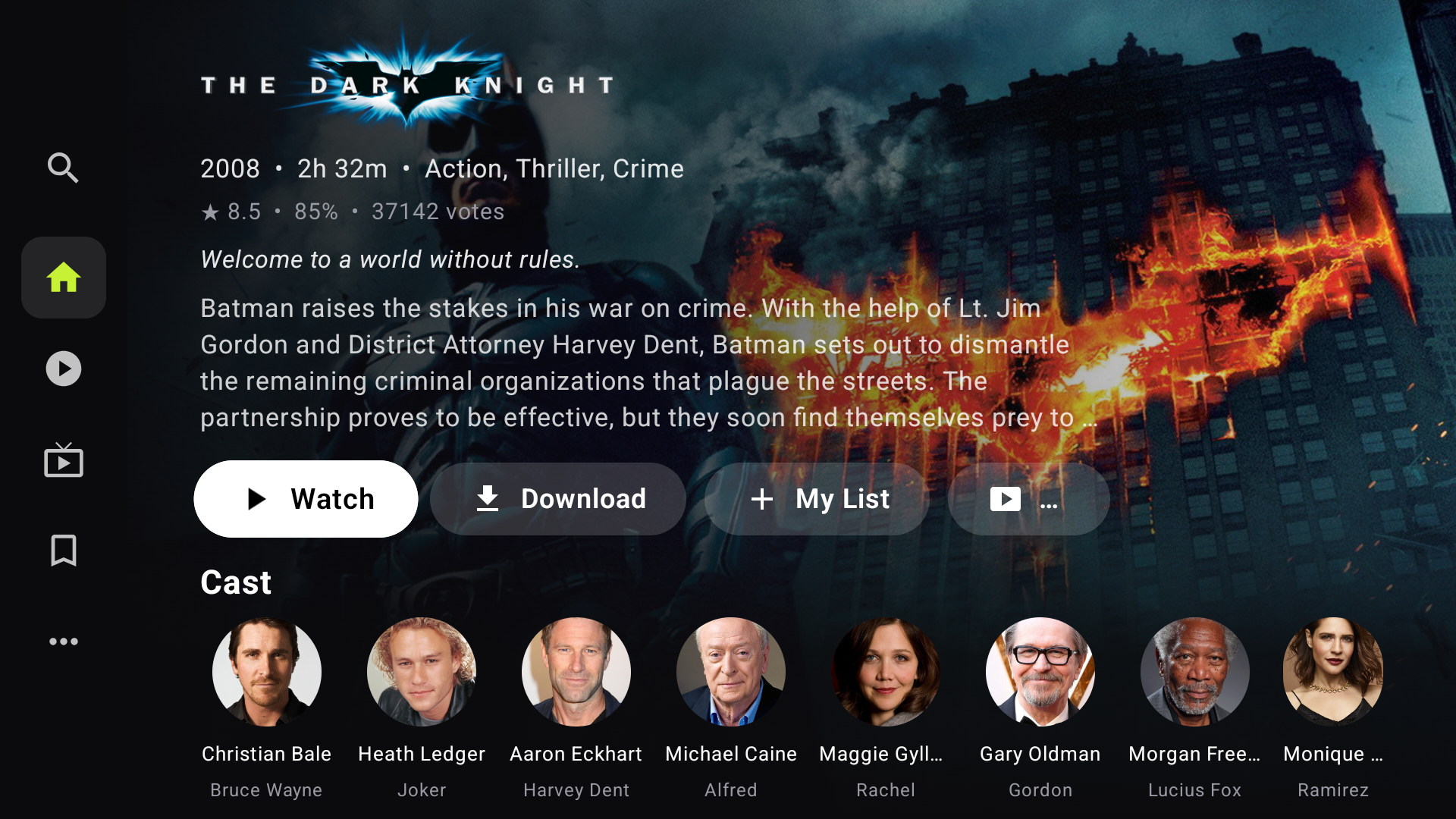
Browse thousands of titles with ratings, trailers, and cast info. Stream instantly in HD.
Save content to your device and watch anywhere, even without an internet connection.
Setup Guide
Choose your device type and follow the steps below.
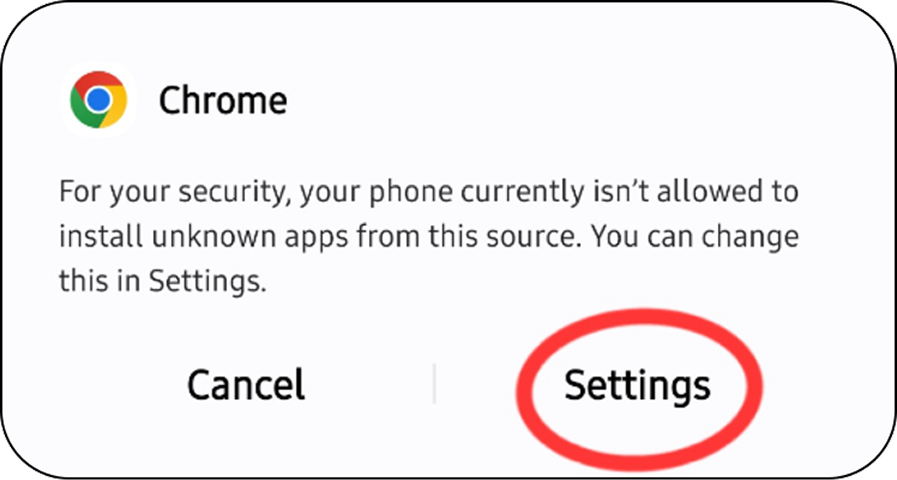
Tap the Download button above. If you see a security warning, tap "Download anyway."
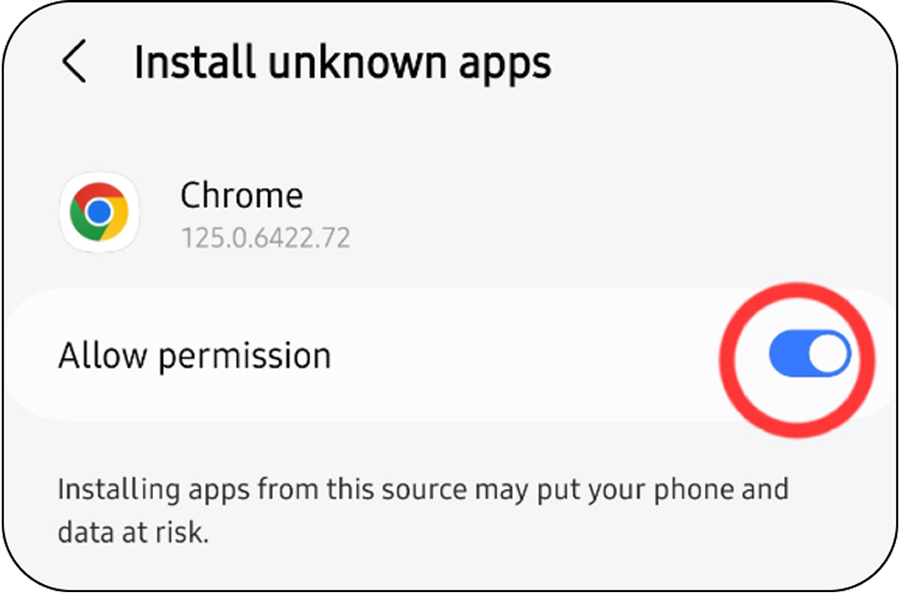
If prompted, enable "Install from unknown sources" in your settings.
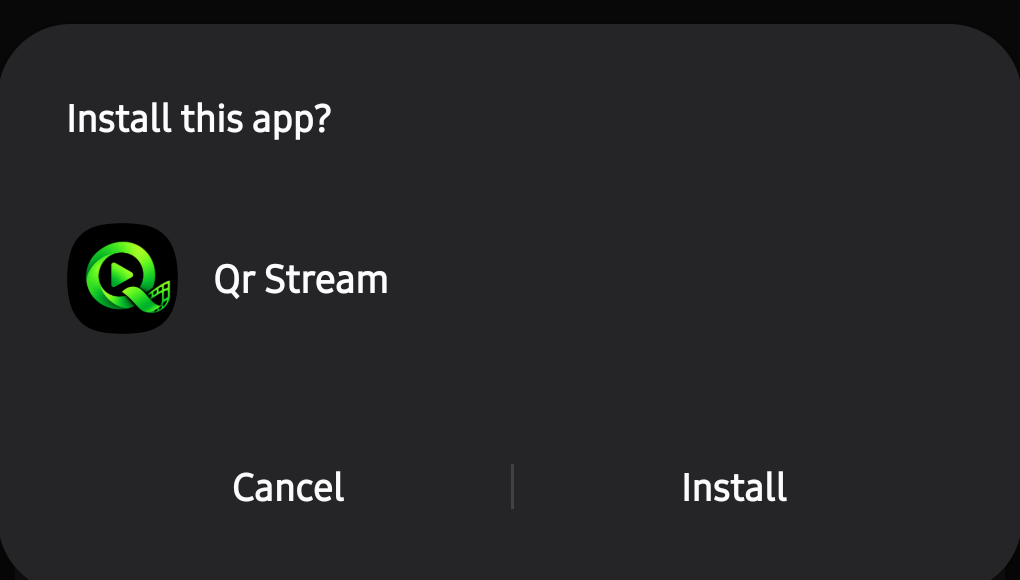
Open the downloaded APK file and tap "Install" to complete the setup.
Open the Google Play Store or Amazon Appstore on your device. Search for and install "Downloader by AFTVnews."
Open Downloader and allow it to install apps from unknown sources when prompted.
In the URL or Code field, enter the code below and tap "Go."
 1769333
Qrstream will download and install automatically. Open it and start streaming on the big screen!
Install an Android emulator such as Bluestacks or LDPlayer on your Windows PC or laptop.
Download the Qrstream APK file to your computer using the download button above.
Drag and drop the APK file into the emulator window, or use the emulator's "Install APK" option to install it.
Open Qrstream from within the emulator and start watching your favorite content!
Get updates, request content, and chat with other Qrstream users on Telegram.
Download Qrstream now and enjoy unlimited entertainment on any Android device.